June 2020
NeuroNation is an app designed to help maintain the cognitive health of its users by stimulating their brain functions. It features 27 games that provide different types of stimulation.
Characteristics
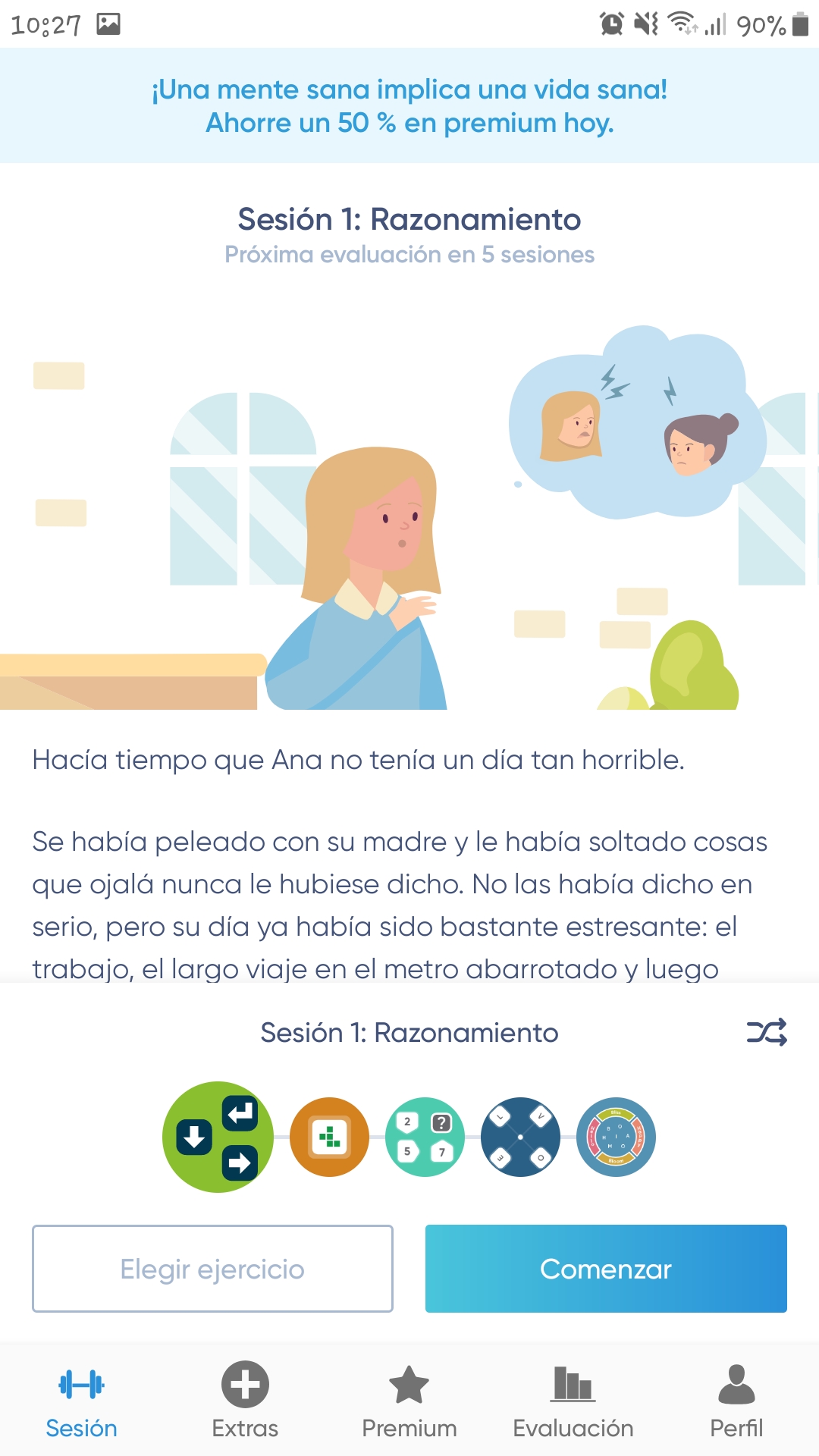
The app has five main features or functions: Session, Extras, Premium, Rating, and Profile. All of these are accessible from a small horizontal menu at the bottom of the screen.
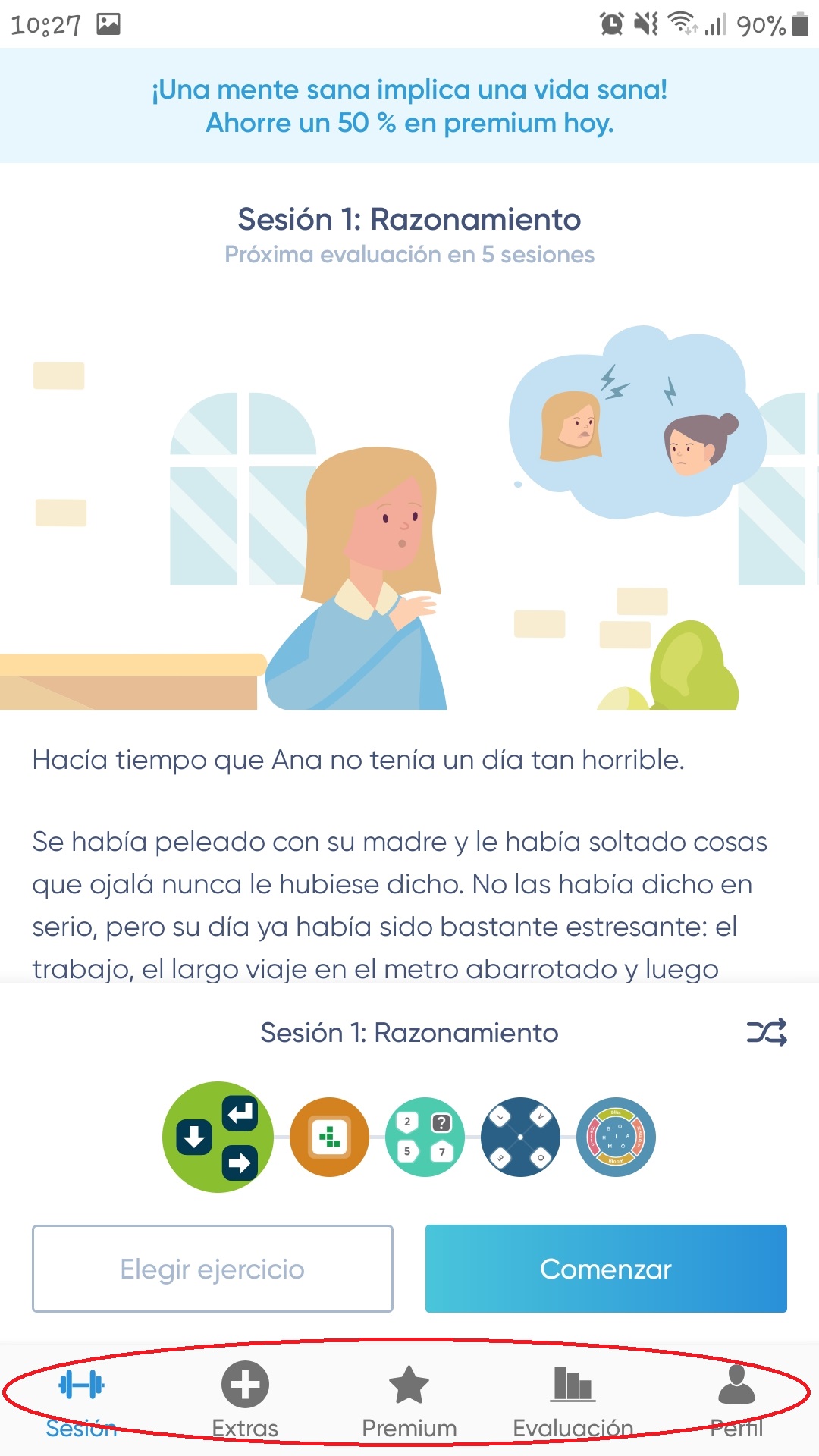
– Session. These sessions are unlimited, allowing you to play as many as you like throughout the day. Before starting each game, the user is presented with a brief description and a short tutorial.
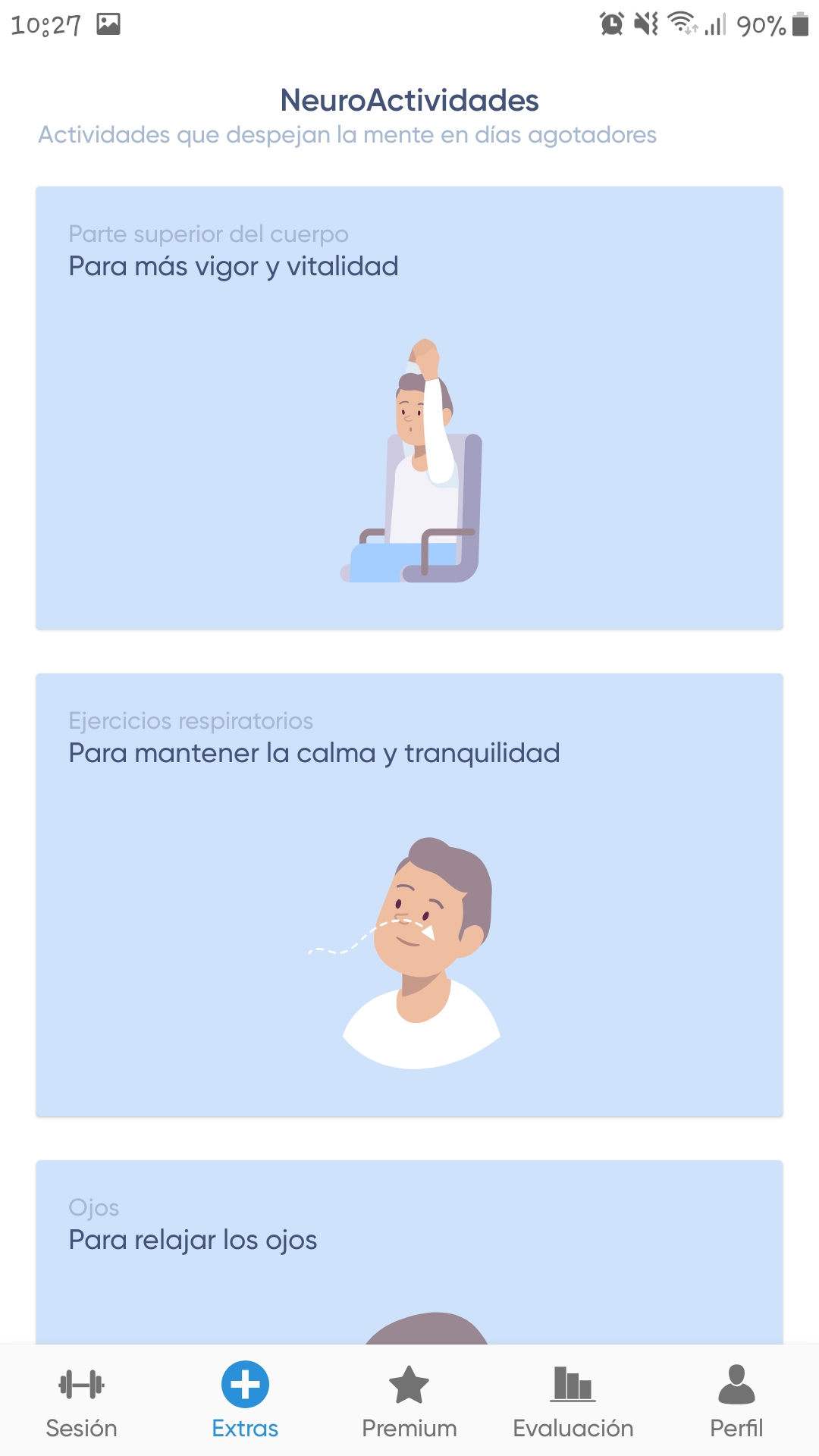
– Extras. In this section, the app offers a total of 11 activities that help clear your mind. Some of these include: breathing exercises, exercises to release tension in your arms, exercises to increase concentration, etc.
All these activities are described through a series of steps that the user must follow, in addition to showing a small animation that complements the description.
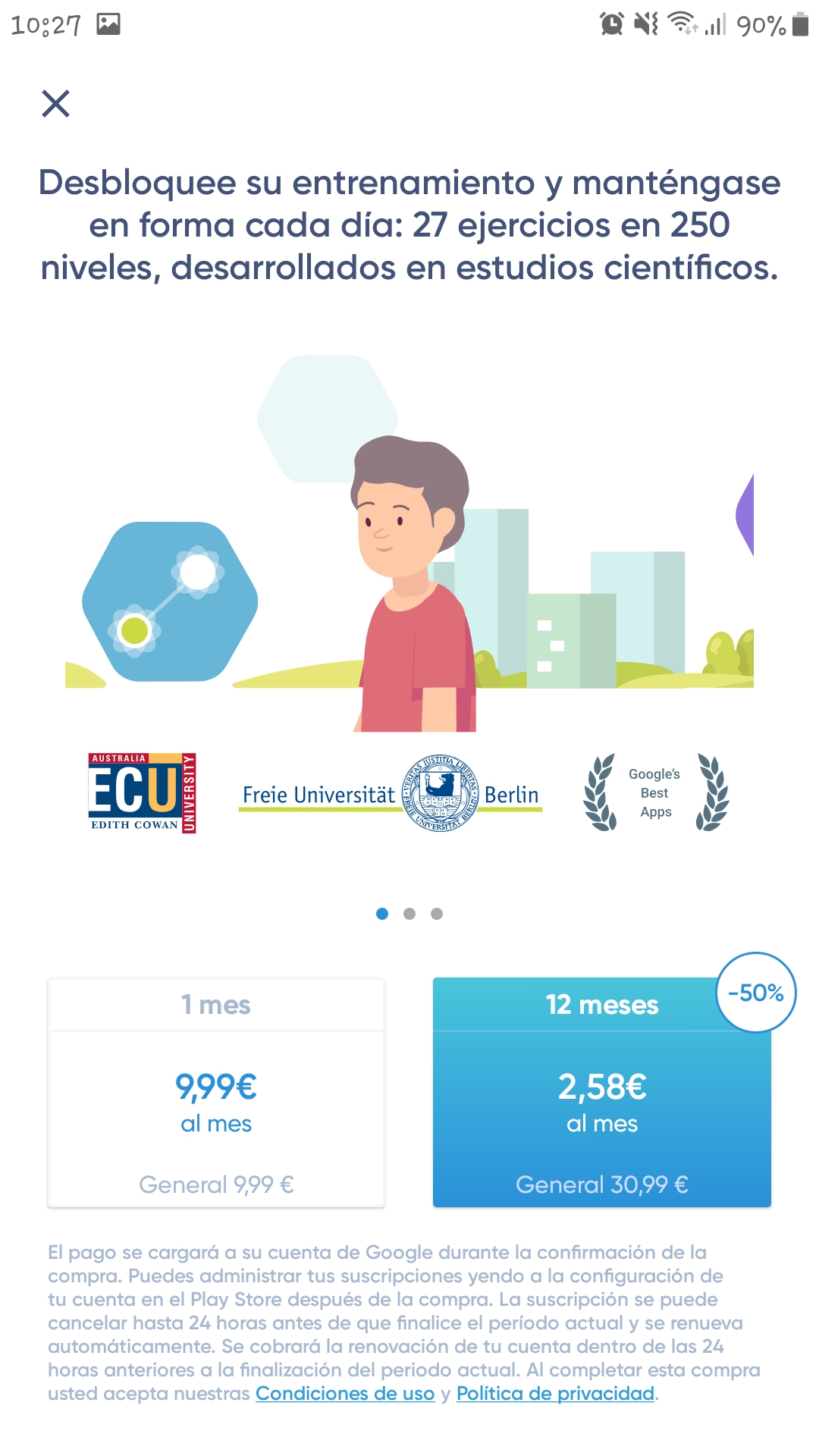
– Premium. This section shows only the prices for purchasing the premium version.
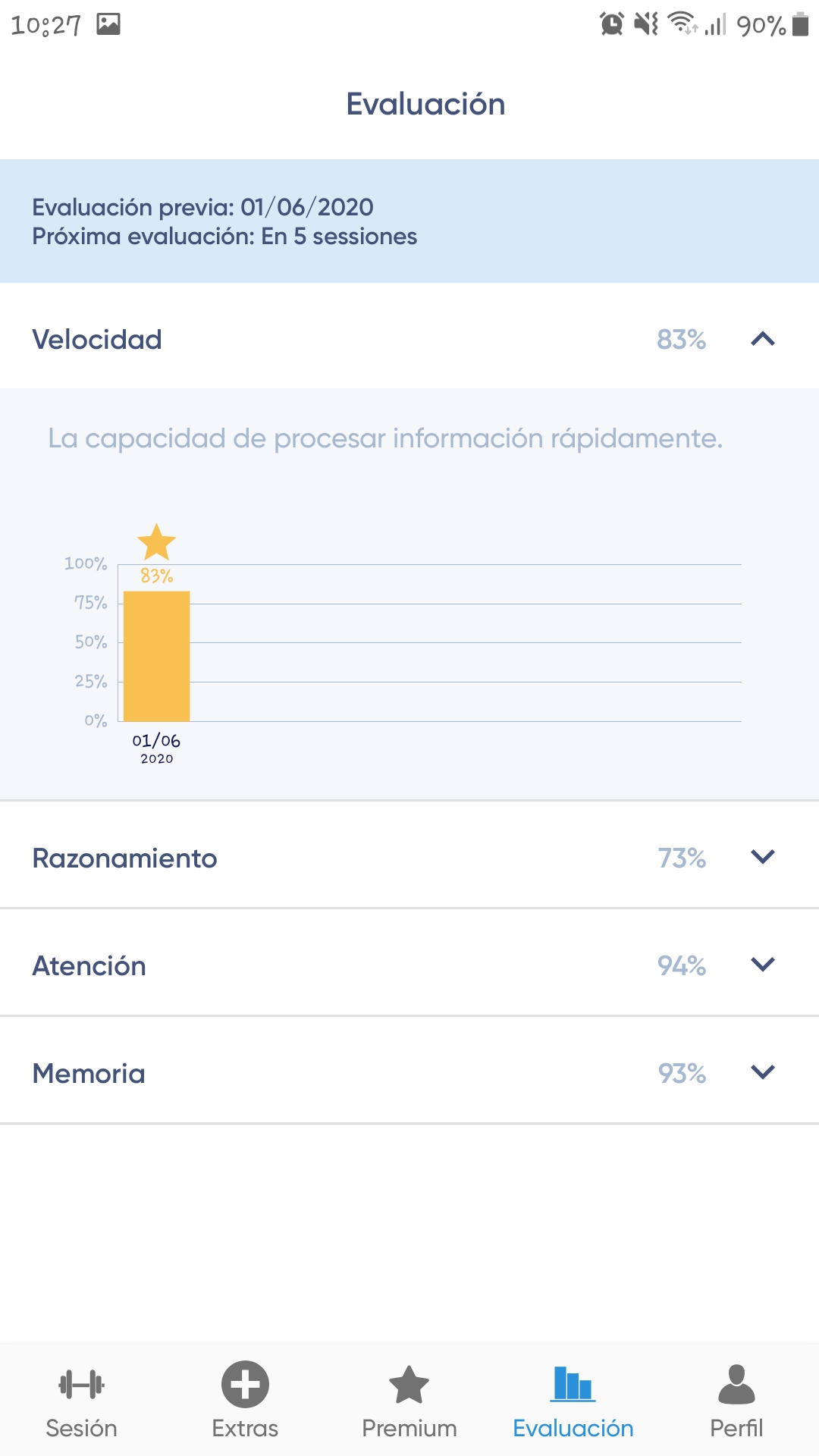
– Evaluation. This section displays four different bar graphs, each representing the user's performance, expressed as a percentage, in each of the following categories: Speed, Reasoning, Attention, and Memory. After five training sessions, the user will be prompted to take an evaluation test. Once completed, a new bar with the corresponding percentage will be added to each graph.
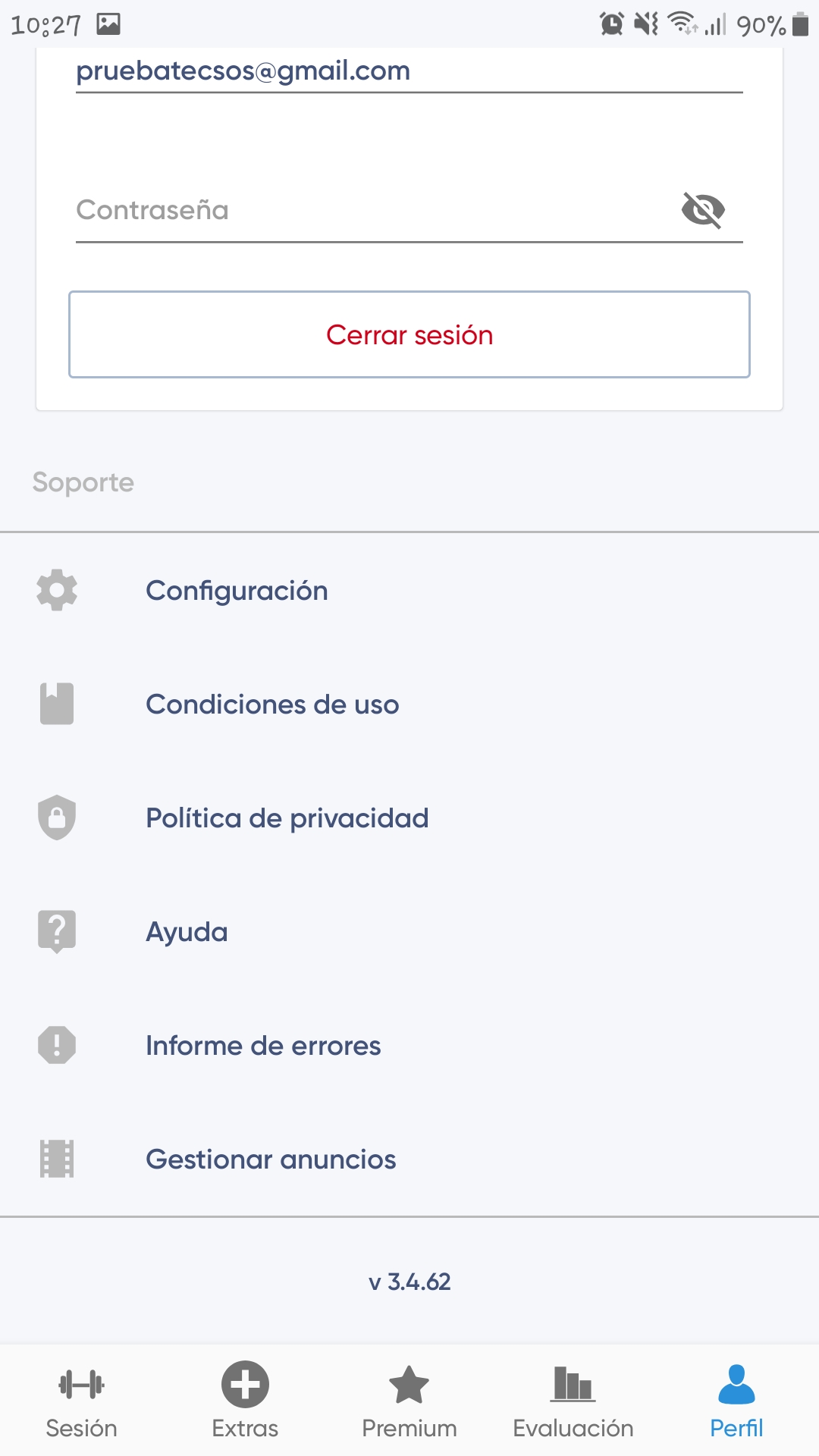
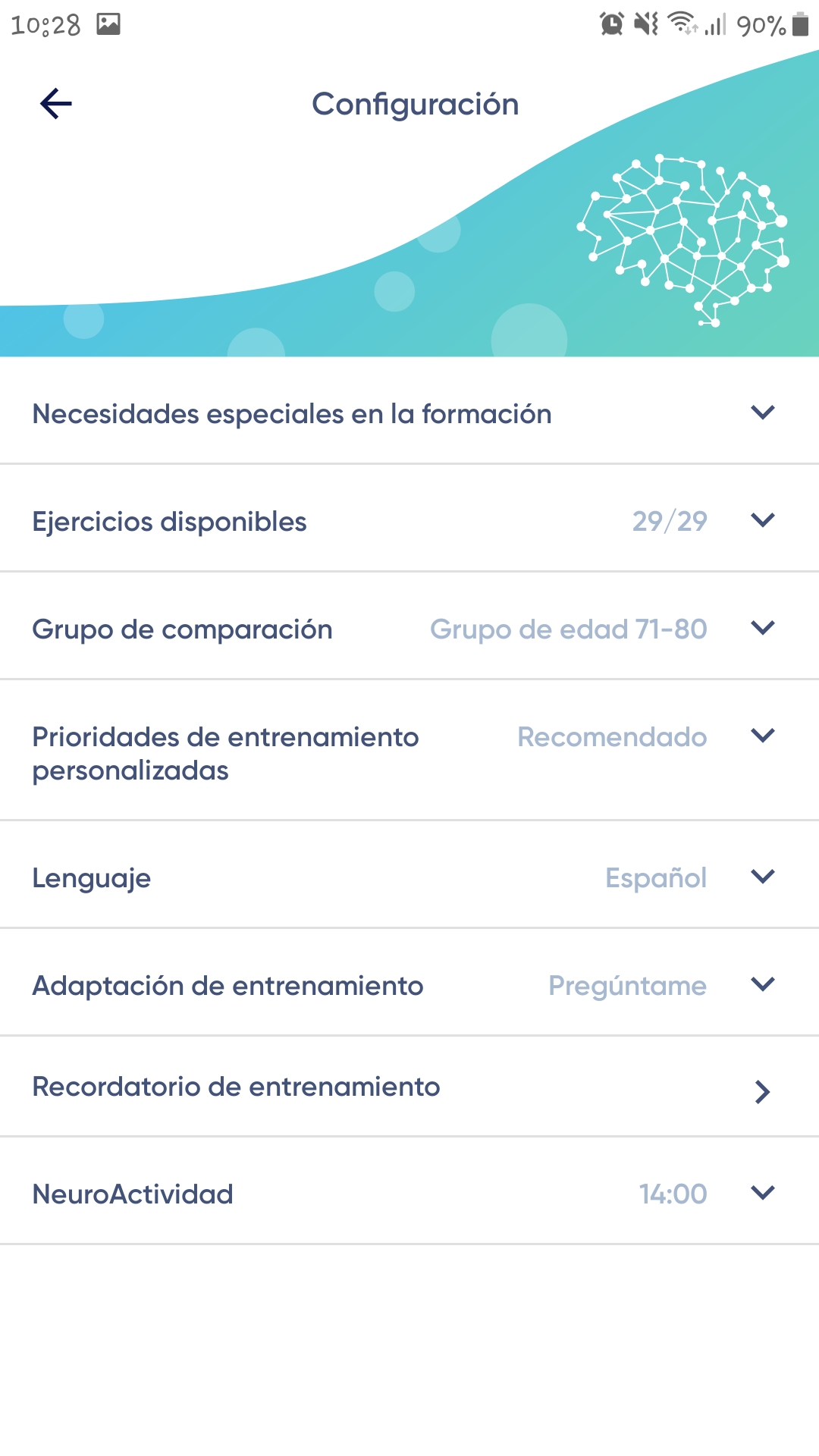
– Profile. In this section, the user can assign a name, email address, and change their password. In addition to these options, this section provides access to the terms and conditions, privacy policy, and application settings. Here, users can configure exercise requirements, the number of exercises to perform, the age comparison group, language, training reminders, and when to schedule neuroActivity sessions.
Tests performed
In order to analyze and evaluate the application, a series of tests were conducted to verify its functionality. The tests were performed on a Samsung Galaxy J7 (Android 9 Pie) with version 3.4.62 and an iPhone 6S (iOS 13.4.1) with version 3.4.60.
Functionality testing
In order to use the application on both devices, it was necessary to install it through the respective application stores of each operating system.
Once installed, the app displays a one-minute animated video with subtitles upon first launch, briefly explaining what NeuroNation can do for the user. Following this, it indicates that registration with an email address is required to begin using the app; any email address can be used, or a Google or Facebook account can be logged in. After selecting the account to be used, the app will proceed to assess the user by having them complete four available games to test their strengths and weaknesses and create a personalized exercise plan.
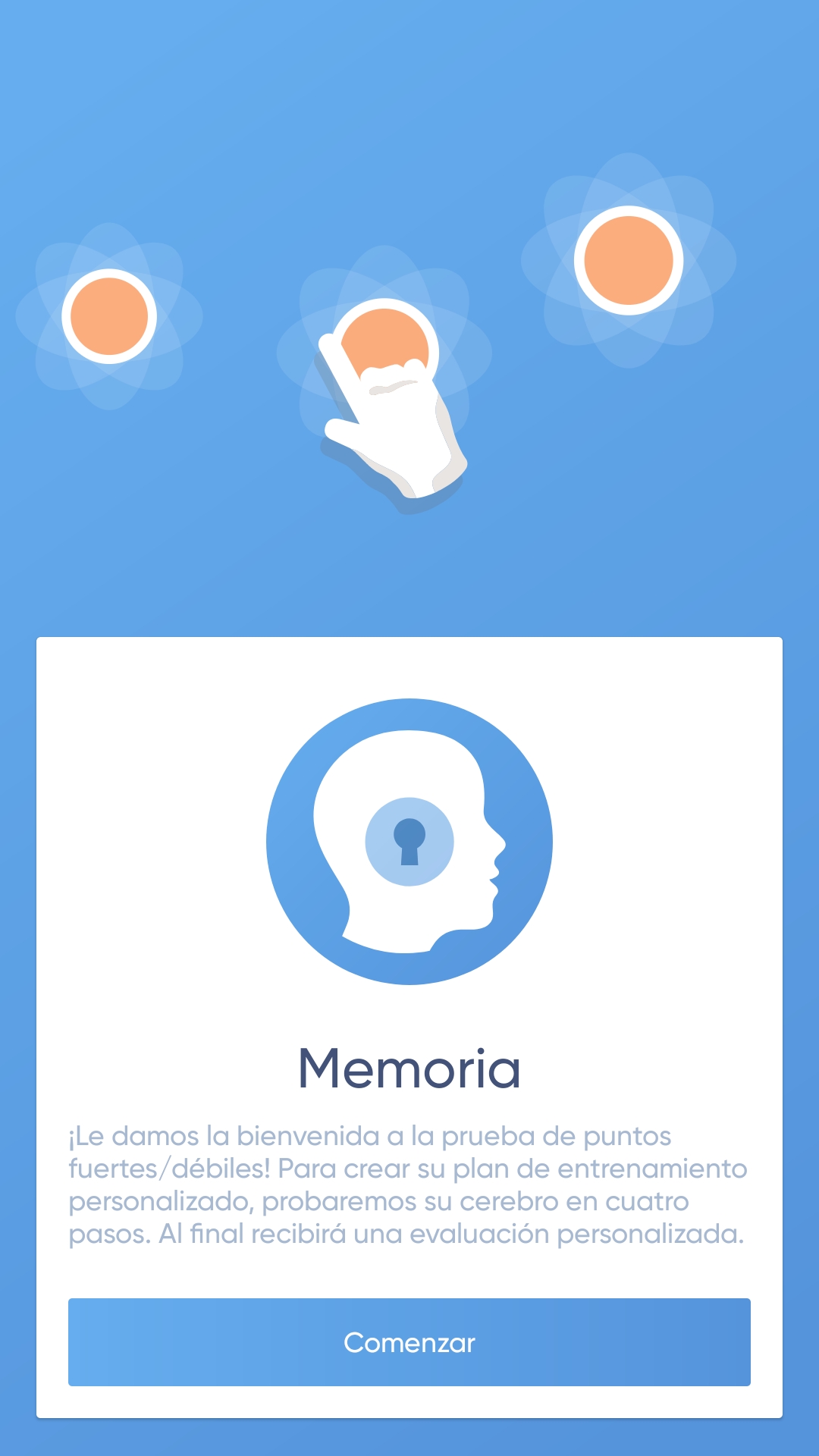
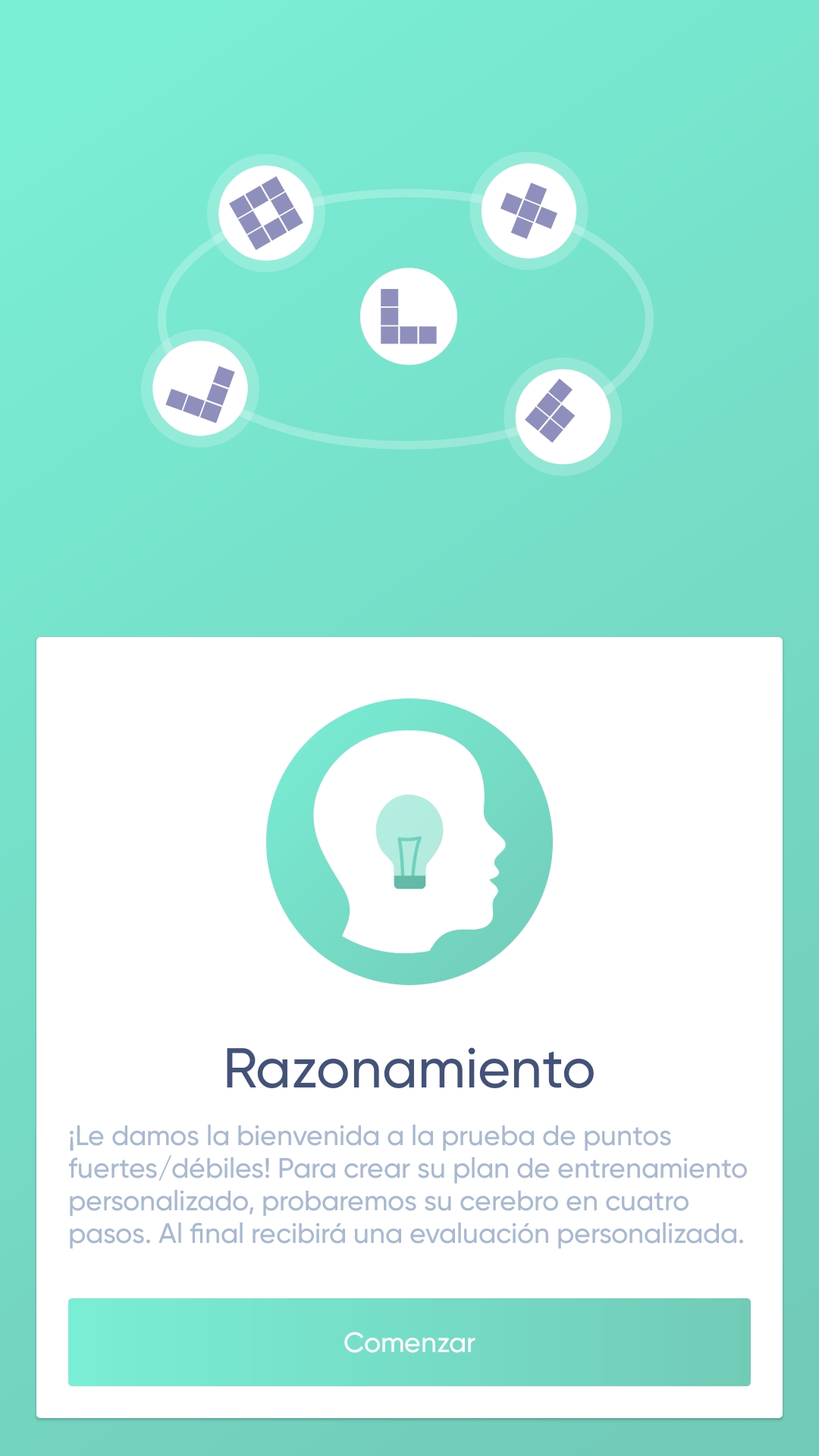
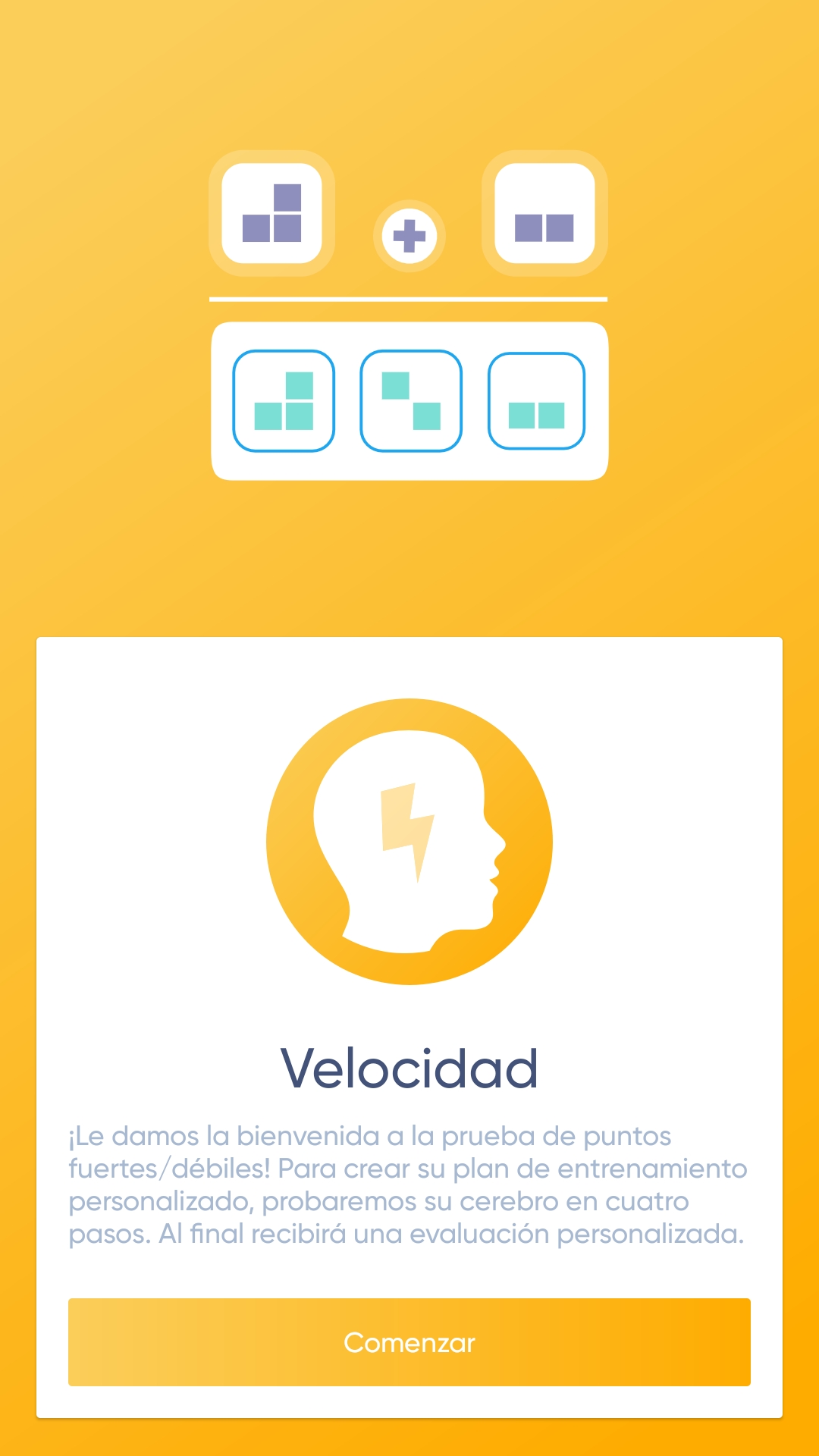
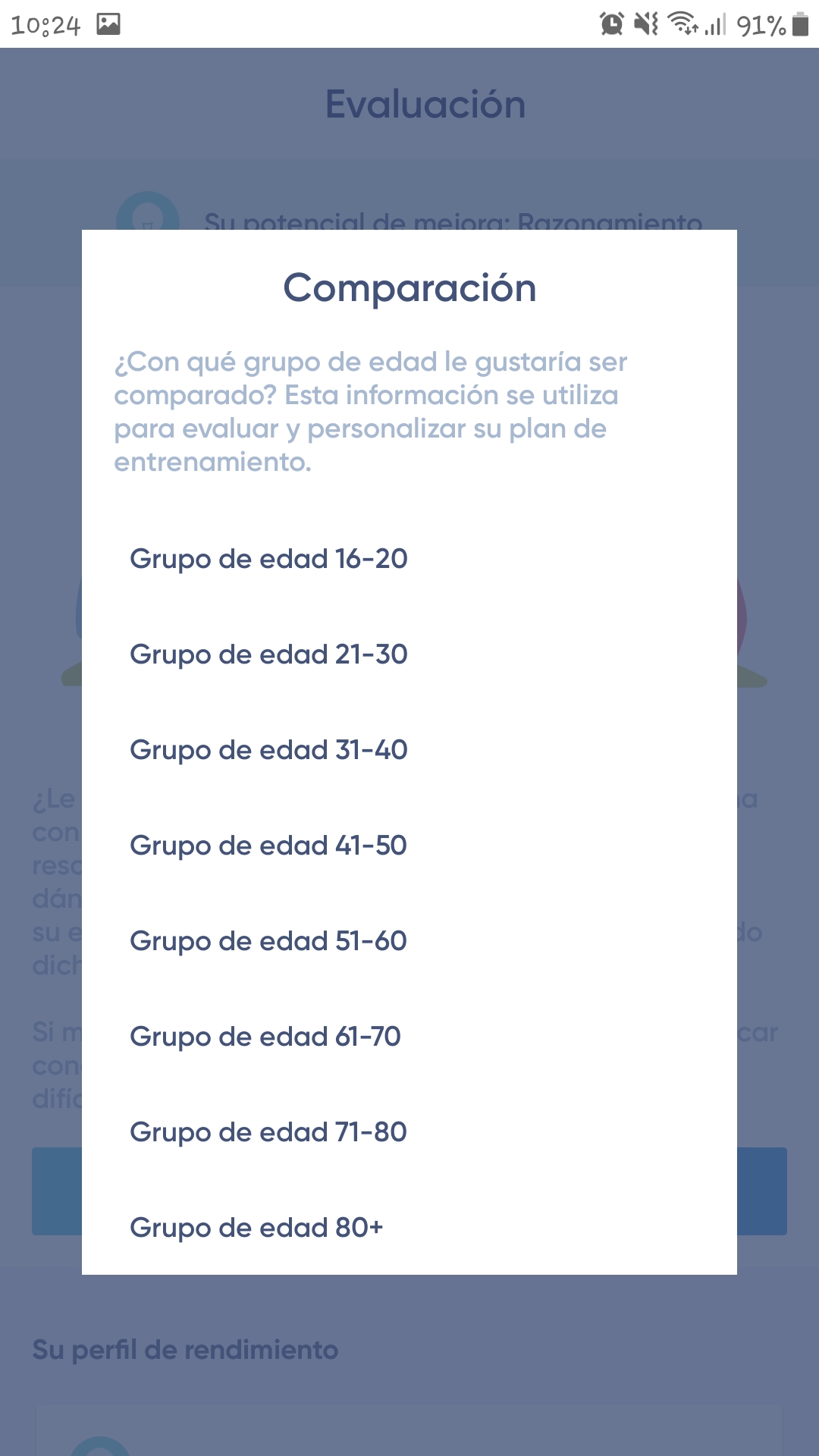
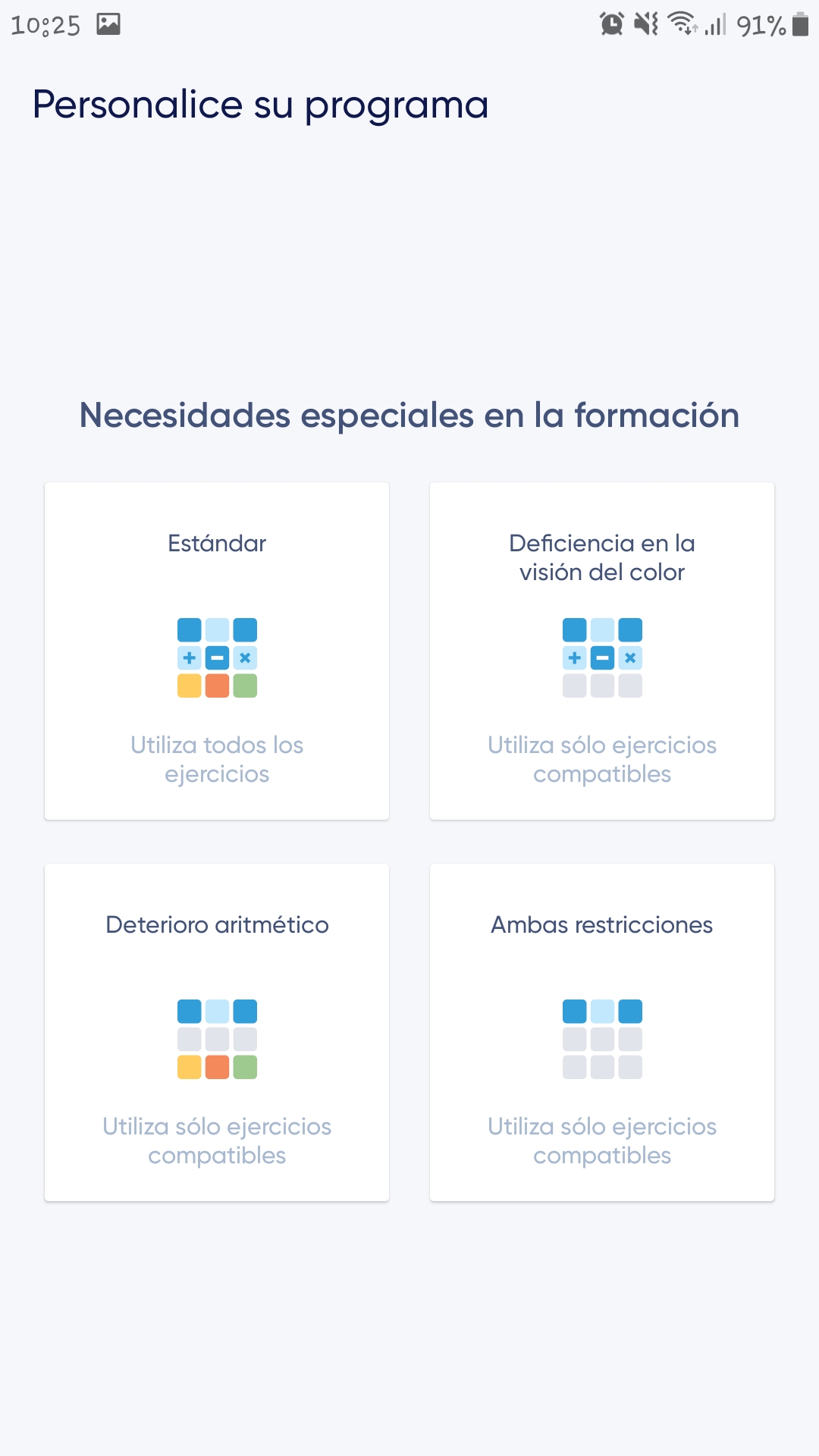
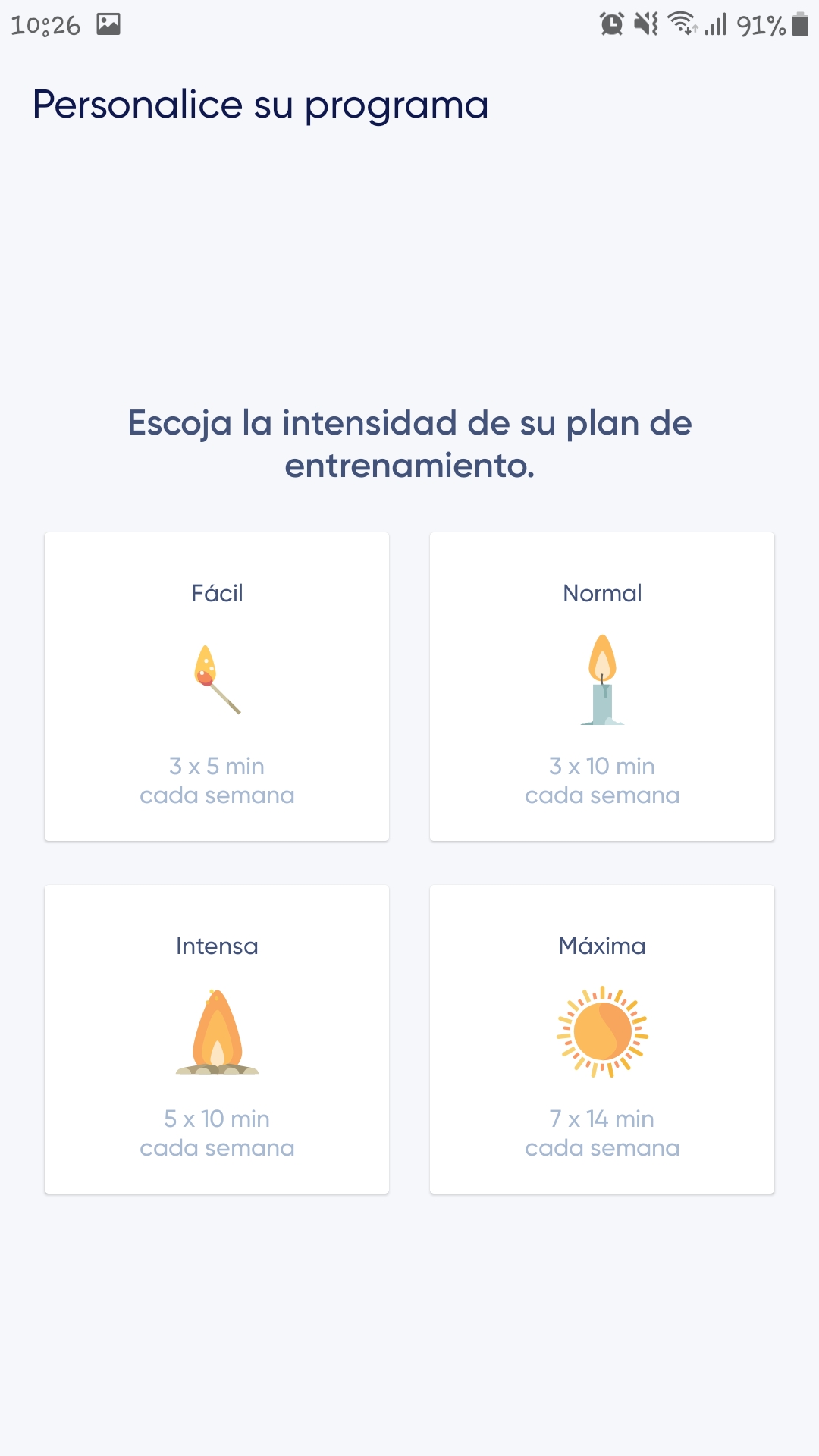
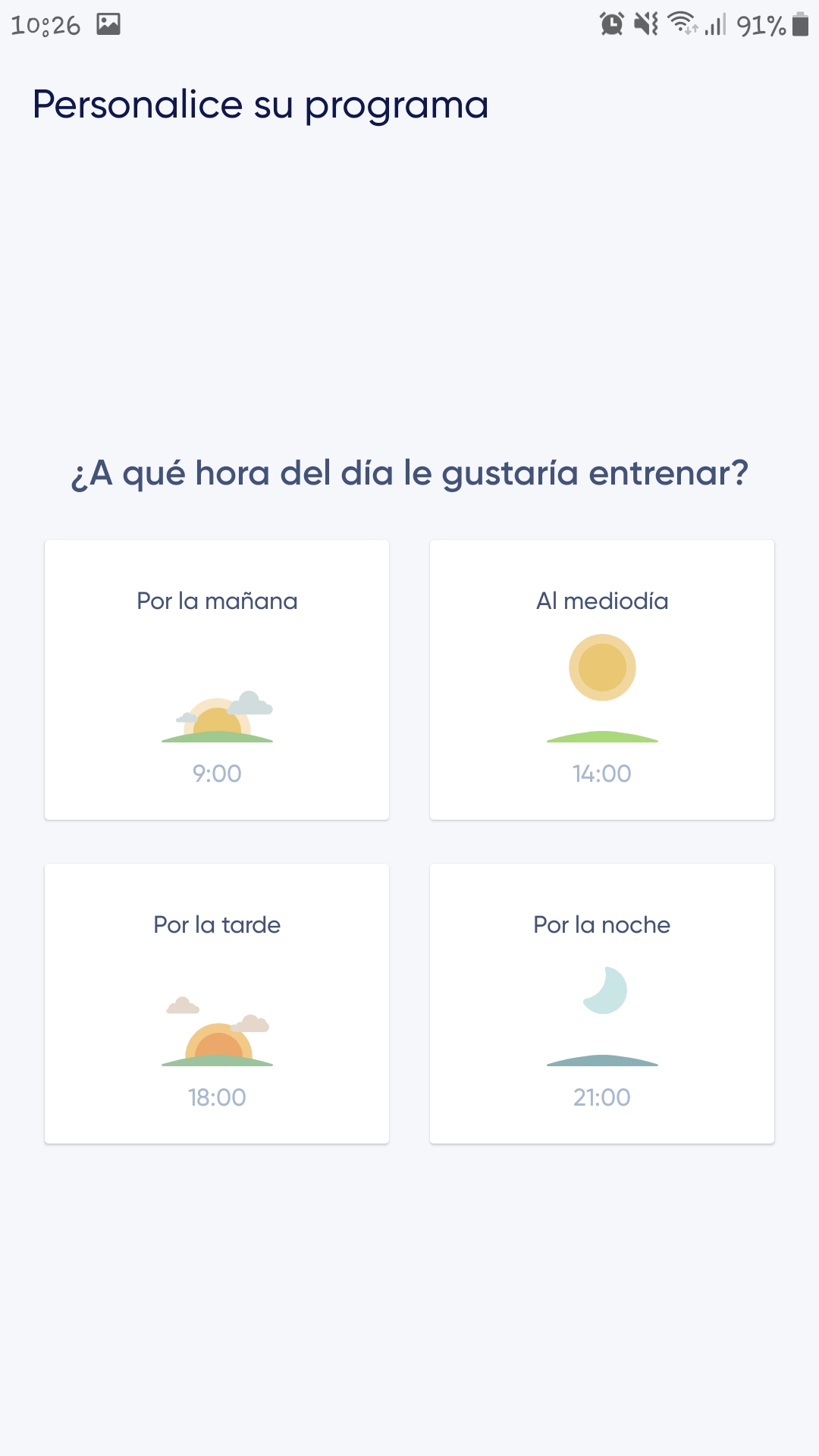
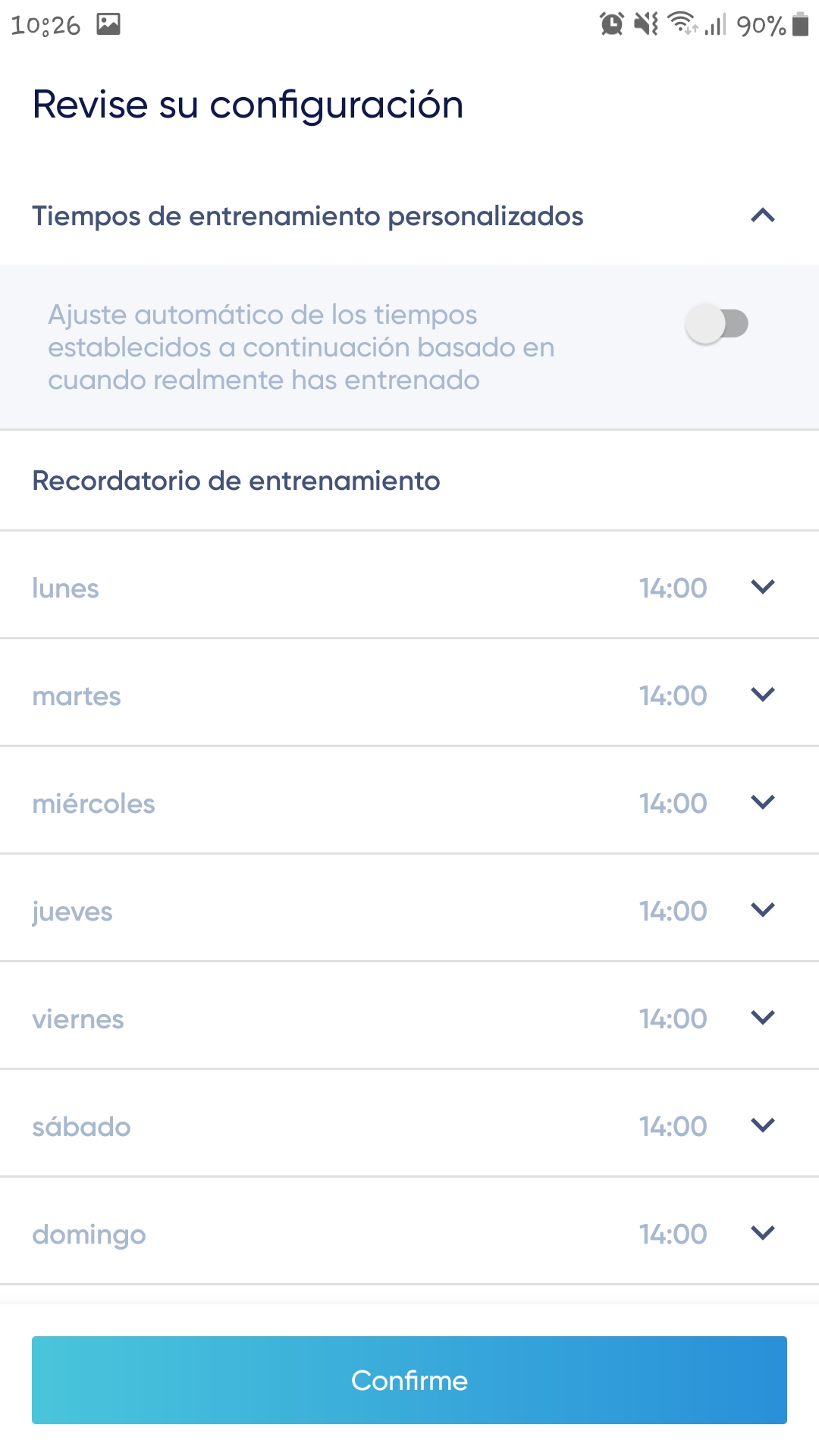
After completing these tests, another 25-second subtitled animation will be shown, advising that the more often you train, the more accurate NeuroNation's personalized training will be. Once the video finishes, the app will ask which age range you want to be compared to and will then proceed to personalizing the training program. This involves asking if the user has any special needs, such as visual impairment or difficulty with arithmetic, and then selecting the training intensity and the time of day they wish to train.
Usability testing
This section will measure how easily the user can use the application to achieve a specific goal, in this case, enabling an elderly person to exercise their brain quickly.
The application is very easy to use, it has a simple and really easy to identify interface, it consists of a menu at the bottom with five very simple buttons to recognize either by their icon or their description, so older people who want to use the application will not have difficulties understanding how the app works.
All of this makes it very easy for the user to start using the application, since each time the app is launched, the "Session" screen appears with a blue button indicating that the training session can begin. This ease of learning also extends to remembering how to use it if the application is ever uninstalled, as it consists of easily recognizable games.
In terms of its effectiveness, the app is extremely effective because it achieves its desired goal almost immediately upon launching, as it requires users to complete an assessment consisting of four games before gaining full access to the app. Furthermore, considering that, as previously mentioned, it requires minimal effort to learn, the product is highly efficient in training the mind.
Regarding portability, NeuroNation works on any type of smartphone or device, whether Android or iOS.
Taking into account the analysis of each of the above criteria, it can be said that the product has considerably good usability in terms of achieving the objective, considering the use that older people will give it.
Accessibility testing
In this section, different criteria will be applied to assess whether the application can be used regardless of the user's abilities.
Cognitive accessibility – Regarding the images and icons it contains, they all have a description that facilitates their understanding and, in addition, they are of a reasonable size so that they can be correctly identified.
Accessibility for people with low vision – The app does not have a settings section where the theme can be changed, i.e., switching from a white background with black text to a black background with white text. The font size cannot be changed, so depending on the screen size of the device being used, certain words, especially those accompanying menu icons, may be difficult to read. However, it is possible to increase the font size in the device's general settings, which will also increase the font size in the app. To complete this accessibility section, tests were conducted using the screen reader systems available on Android and iOS devices. These tests focused on verifying the correct labeling of the icons and buttons in NeuroNation. On all devices where the screen reader was used, the buttons were correctly labeled, both with Android's Voice Assistant and iOS's VoiceOver.
It should be noted that most of the games it offers require interaction with or identification of certain visual elements such as shapes and colors, so NeuroNation may not be accessible to blind people; however, it offers an option that disables exercises that cannot be performed by people who have difficulty with color vision.
Accessibility for people with hearing difficulties – People with hearing difficulties can use the application without any problem since the sounds emitted by the application are to complement the exercises and are not relevant to its development, and the presentation videos are also subtitled.
Reliability tests
This section will examine whether the application functions correctly and does not have critical errors that impair the app's functions.
During the days that the application has been tested, it has not presented any notable or critical failures in its operation.
Privacy and security
Regarding privacy and security, you can access their terms and policies from the links provided by the Google Play and App Store download stores, although you can also access them from within the application through the "Profile" section.
Conclusion
In general terms, the application functions properly; no errors have been reported that have affected its operation or the user experience. This app can greatly contribute to keeping people, especially older adults, cognitively active by training specific areas of the brain.
One of the app's strengths is that all 27 games and 11 activities are free, meaning subscriptions only remove ads. This makes it a valuable tool for cognitive stimulation, as virtually all other apps, such as Lumosity and Cognifit, offer only partial access to their content through the free version. Another key advantage is that it doesn't require an internet connection, so you don't need to be connected to Wi-Fi or mobile data.
One of the app's less positive aspects is the number of games it contains, with a total of 29, making it one of the apps with the fewest exercises out of the four tested. However, as mentioned earlier, it's the only one that allows access to all of those games.
Key points
- The presentation video is subtitled.
- All the content in the application is accessible.
- All of its games and activities are accessible free of charge.
- It provides an option to not include games that cannot be played by people who have difficulty identifying colors in the sessions.
- It is available in 8 different languages.
Areas for improvement
- It would be interesting if the premium section described the advantages that acquiring that version would bring to the user.
- It would be nice if the "buy premium" message wasn't displayed every time the app is started.
- It would be worthwhile to explore the possibility of preventing the pop-up window that suggests the type of ads you want to see from appearing every time the app is about to display an ad.